Your first label, and every one after.
Paste a recipe, get the FDA-format panel, keep every version.
How do I make a label for my product?
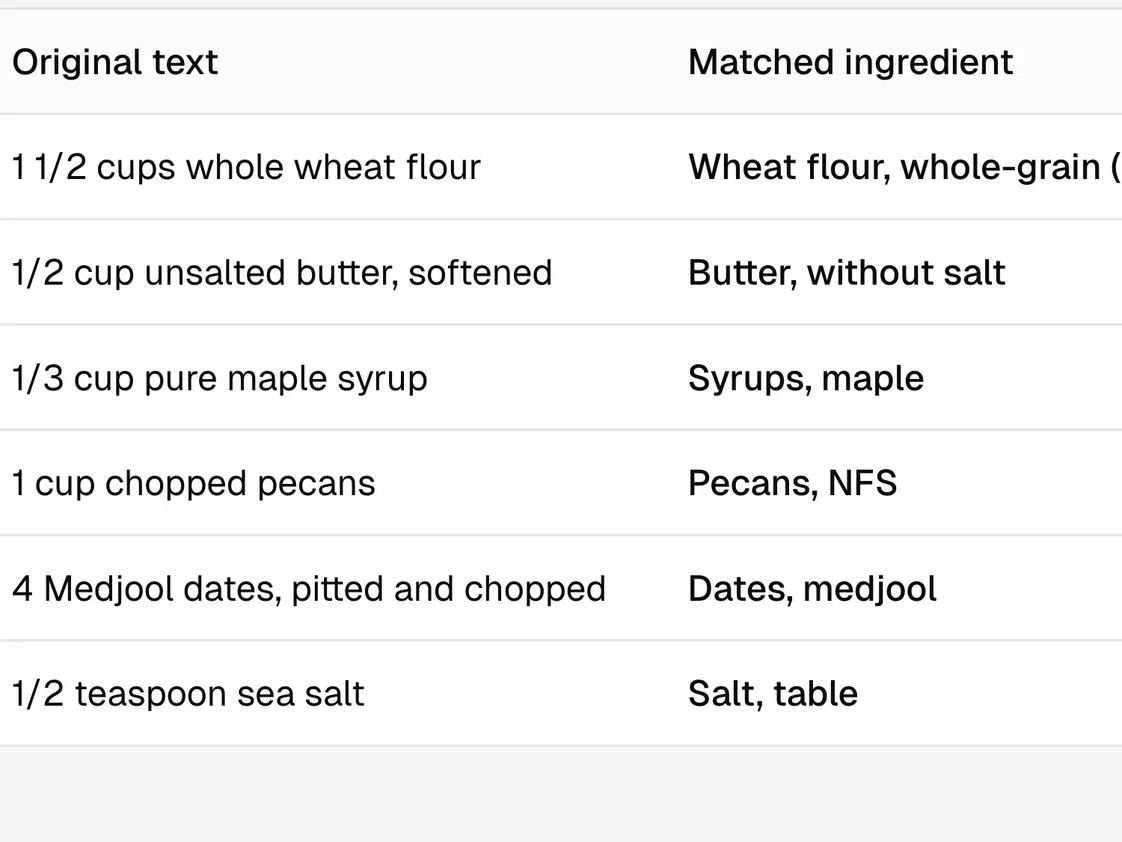
Paste the recipe, review what AI suggests, change what you need, then export the panel. The compliance engine calculates every number, from USDA data and FDA rules, with no AI in it. We send recipe lines only to AI providers that do not train on them and keep none of them after answering.
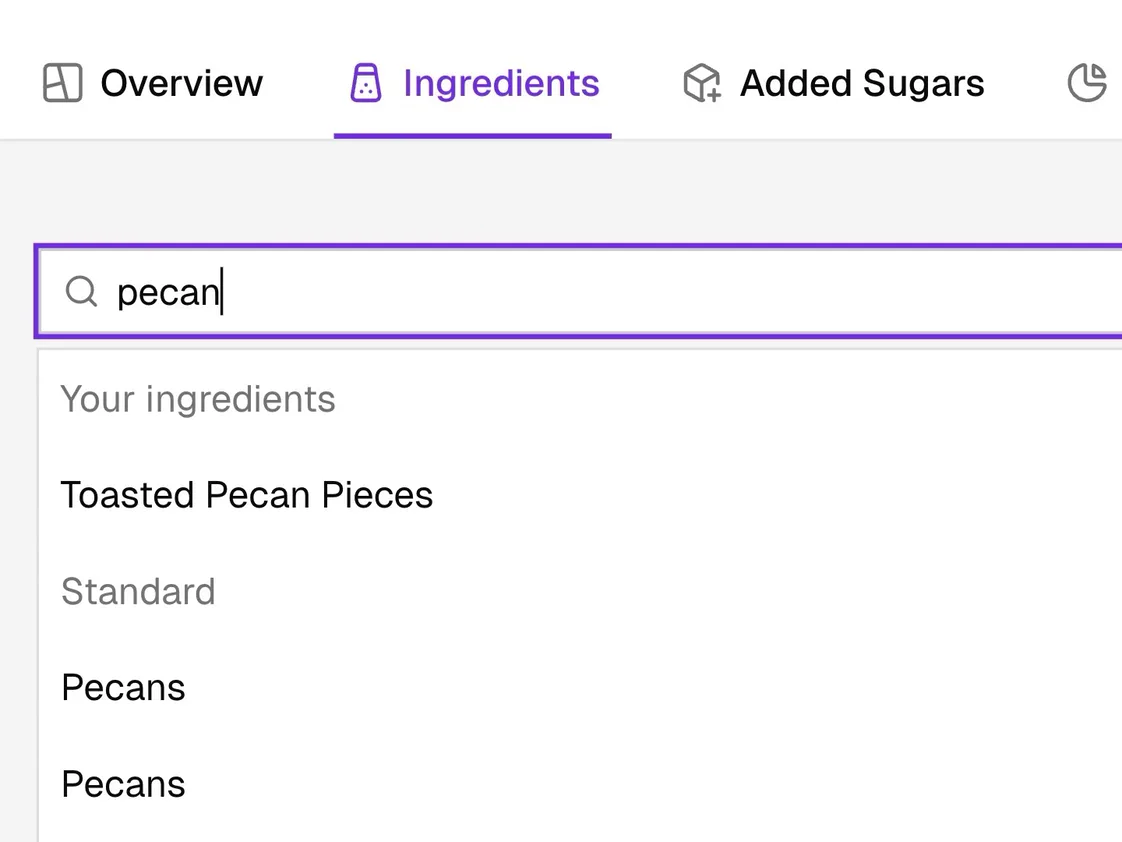
What if my supplier’s ingredient is not in USDA?
Add it once from the spec sheet. It comes up first in every search after.
What happens to the label when I change the recipe?
Every save is a new version, so you can show a retailer exactly which recipe a label came from.
See how Prove worksHoney almond granola, per 60 g serving
Honey: 3 tbsp to 4 tbsp
| On the label | Version 1 | Version 2 |
|---|---|---|
| Calories | 250 | 240 |
| Total Fat | 9g | 9g |
| Sodium | 180mg | 170mg |
| Total Sugars | 9g | 11g |
| Added Sugars | 8g (15%) | 10g (20%) |
Questions
More questions
Can I make labels from ChatGPT or Claude?
Yes. The ChatGPT app and Claude connector build the recipe and export the label. They work on your BetterMenu plan, and use its allowance as Studio does.
Which files can I export?
PDF, PNG or JPEG. Each carries a proof footer that names the recipe version it came from.
Do I still need a lab test?
Usually not. Many brands label from ingredient data, as Formulate does. For recipes where baking, frying or drying changes the weight a lot, a lab test is a good way to confirm the numbers. Talk to a founder about your recipe.
Can I make my first label for free?
Yes, to build it and check every number. Free exports carry a DRAFT watermark, and Starter exports without it. No card needed.