Print-ready Nutrition Facts, in FDA format.
Export the panel as PDF, PNG or JPEG, ready for package artwork.
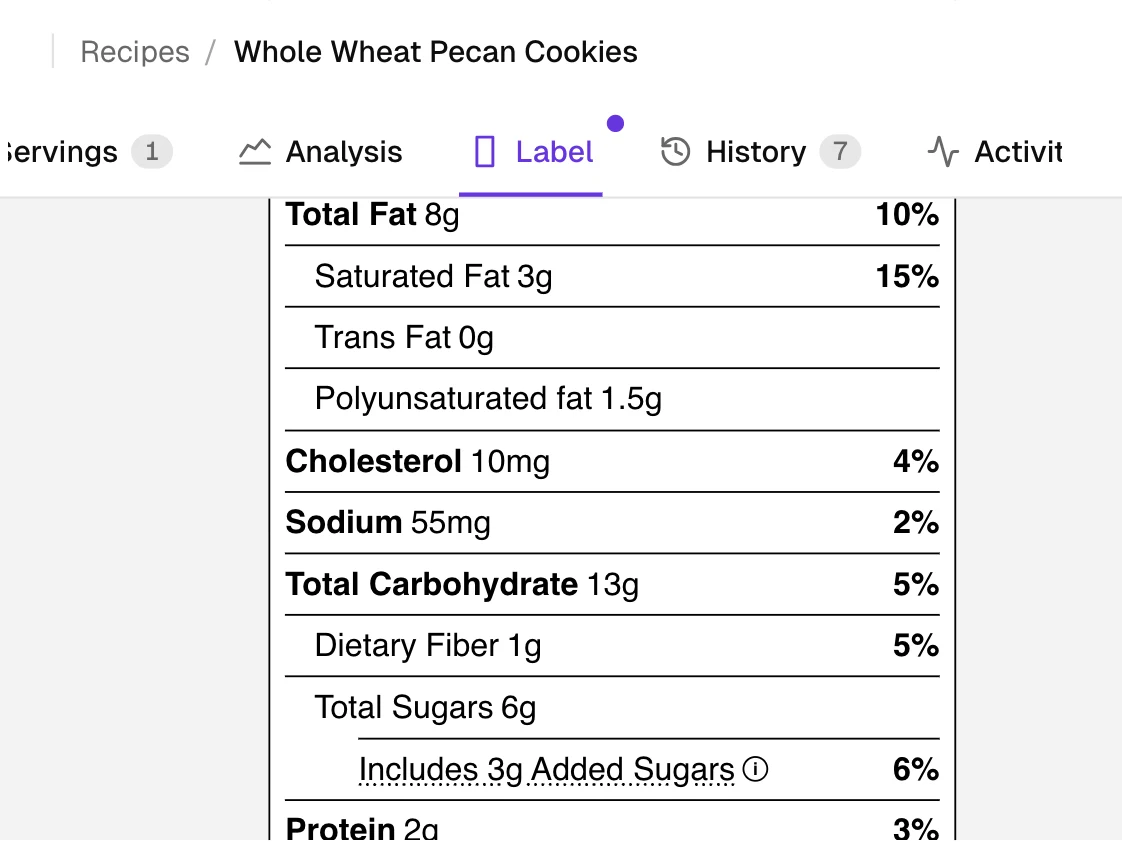
What does the label look like?
The standard single-column panel, formatted per 21 CFR 101.9. The rule sets the nutrients and their order.
A package sold on its own that holds 200 to 300 percent of its reference amount (RACC) usually needs a dual-column label, under 21 CFR 101.9(b)(12)(i). For one of those,
Sample label, real USDA values.
What file formats can I export?
PDF, PNG and JPEG, at 300 DPI for packaging or 96 DPI for the web.
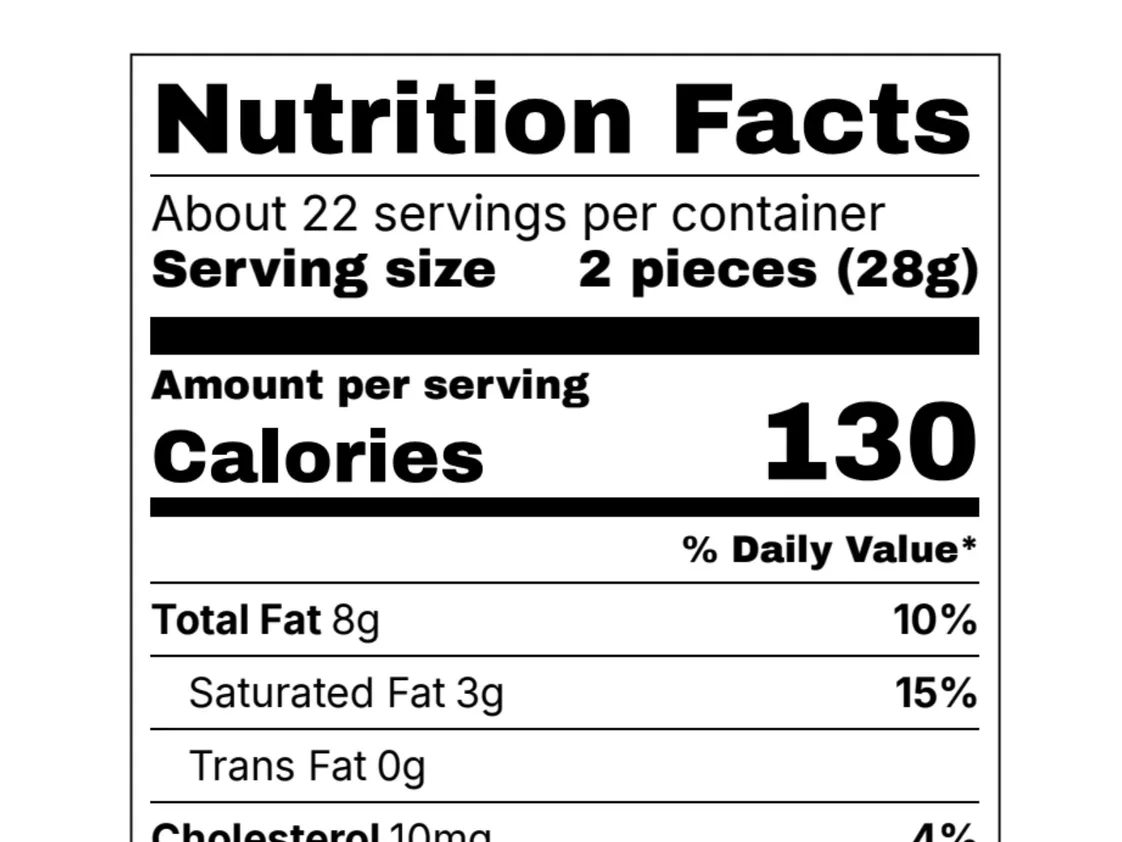
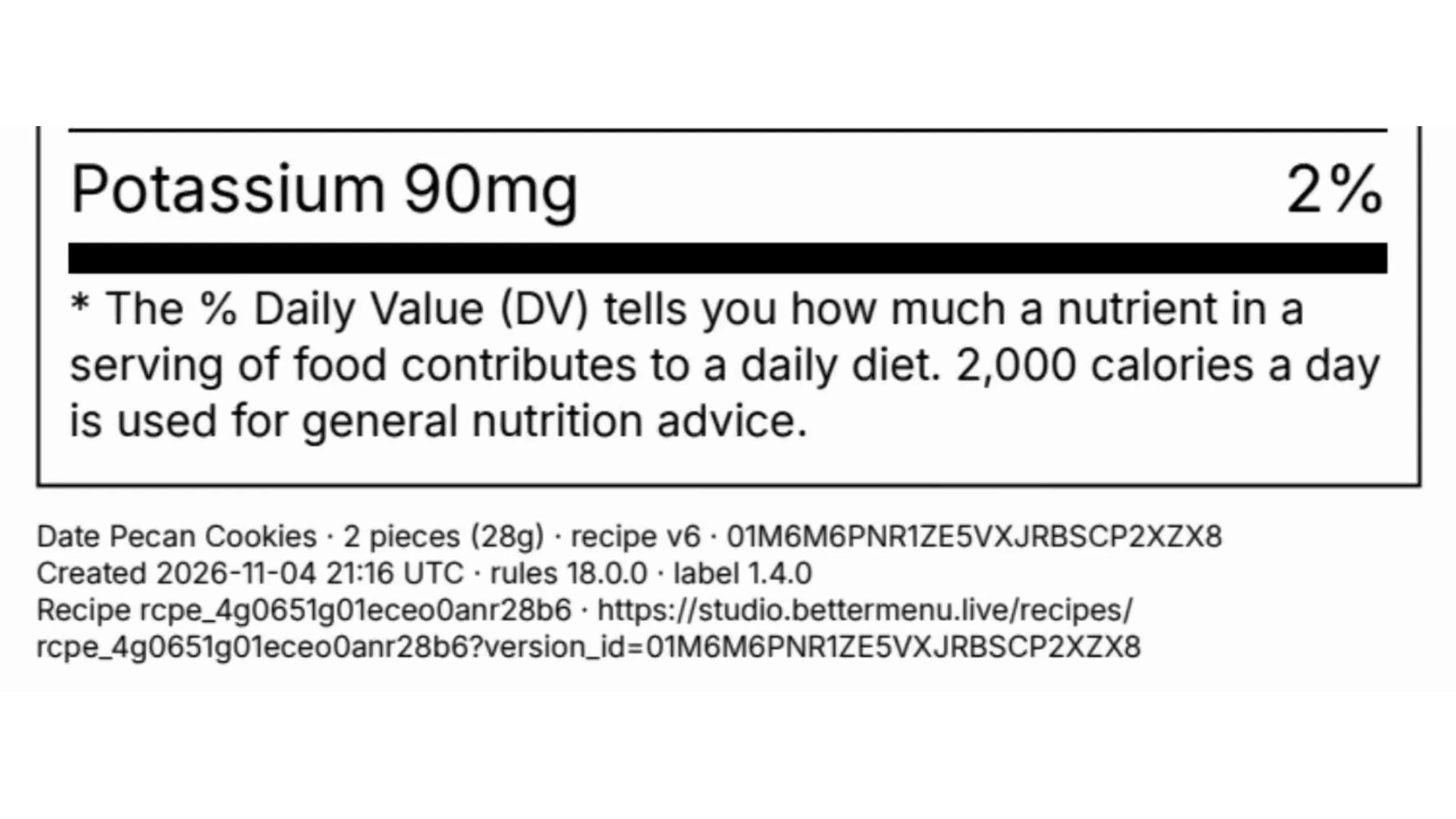
What is the proof footer under the label?
A short line under the panel: the recipe and its version, a Studio link, the export time and rule version. On by default.
Questions
More questions
Can I choose which nutrients show?
Yes, within the rule: mandatory nutrients always print, optional ones you switch on or off.
Is my ingredient list or allergen statement on the export?
No. Just the panel and its proof footer. Your ingredient list and allergen statement go on your artwork.